

Adobe Captivate - What Computer Should I Buy?
In this video tutorial, I talk about the system requirements for Adobe Captivate 2019 Release and what sort of new computer you should be shopping for when it comes time to upgrading to a new laptop or desktop computer.
In this video tutorial, I talk about the system requirements for Adobe Captivate 2019 Release and what sort of new computer you should be shopping for when it comes time to upgrading to a new laptop or desktop computer.
Adobe Captivate System Requirements: https://helpx.adobe.com/captivate/system-requirements.html

eLearning Livestream - Responsive Projects in Captivate 2019 | Oct 15, 12:00 EDT, 2018
In this eLearning Livestream, I will share with you my presentation from the Adobe Learning Summit, Create Your First Responsive eLearning using Adobe Captivate.
In this eLearning Livestream, I will share with you my presentation from the Adobe Learning Summit, Create Your First Responsive eLearning using Adobe Captivate. This session will center on fluid box responsive design and I will be using Adobe Captivate 2019, however much of this session will be applicable to Captivate 2017 as well. I will also share some hidden features you can use to further customize your eLearning courses.

Adobe Captivate - Project Backup Feature and Strategy
In this Adobe Captivate video tutorial, I share my best practice with backing up my Adobe Captivate projects as I work on them. I also reveal a hidden feature that might just save you hundreds of hours of lost work and many tears.
In this Adobe Captivate video tutorial, I share my best practice with backing up my Adobe Captivate projects as I work on them. I also reveal a hidden feature that might just save you hundreds of hours of lost work and many tears.

Easily Share your eLearning
In this video tutorial, I show you how you can share a published Adobe Captivate project with other eLearning professionals to showcase or review your work…
In this video tutorial, I show you how you can share a published Adobe Captivate project with other eLearning professionals to showcase or review your work.

Adobe Captivate - Counting Drag and Drop
In this Adobe Captivate video tutorial, I show you how you can create a drag and drop where you can specify a set number of like objects required to dragged to a single drop target. This is very cool if you need to test someone's ability to count a number of like objects like casino chips or money and so on…
In this Adobe Captivate video tutorial, I show you how you can create a drag and drop where you can specify a set number of like objects required to dragged to a single drop target. This is very cool if you need to test someone's ability to count a number of like objects like casino chips or money and so on.
You can download the project files for this project below. The first link is without the solution and drag and drop interaction applied. The second link is the completed project.

Add an Exit Confirmation Message
In this video tutorial, I propose a solution to warning your learners before they actually exit your eLearning course…
In this video tutorial, I propose a solution to warning your learners before they actually exit your eLearning course.

More Than One Fill-In-The-Blank
In this video tutorial, I show you how you can set up a fill-in-the-blank question to contain more than one blank. I also show you how you can convert a fill-in-the-blank to use a drop-down list instead of the blank…
In this video tutorial, I show you how you can set up a fill-in-the-blank question to contain more than one blank. I also show you how you can convert a fill-in-the-blank to use a drop-down list instead of the blank.
Change a Course Cover Image in Adobe Captivate Prime
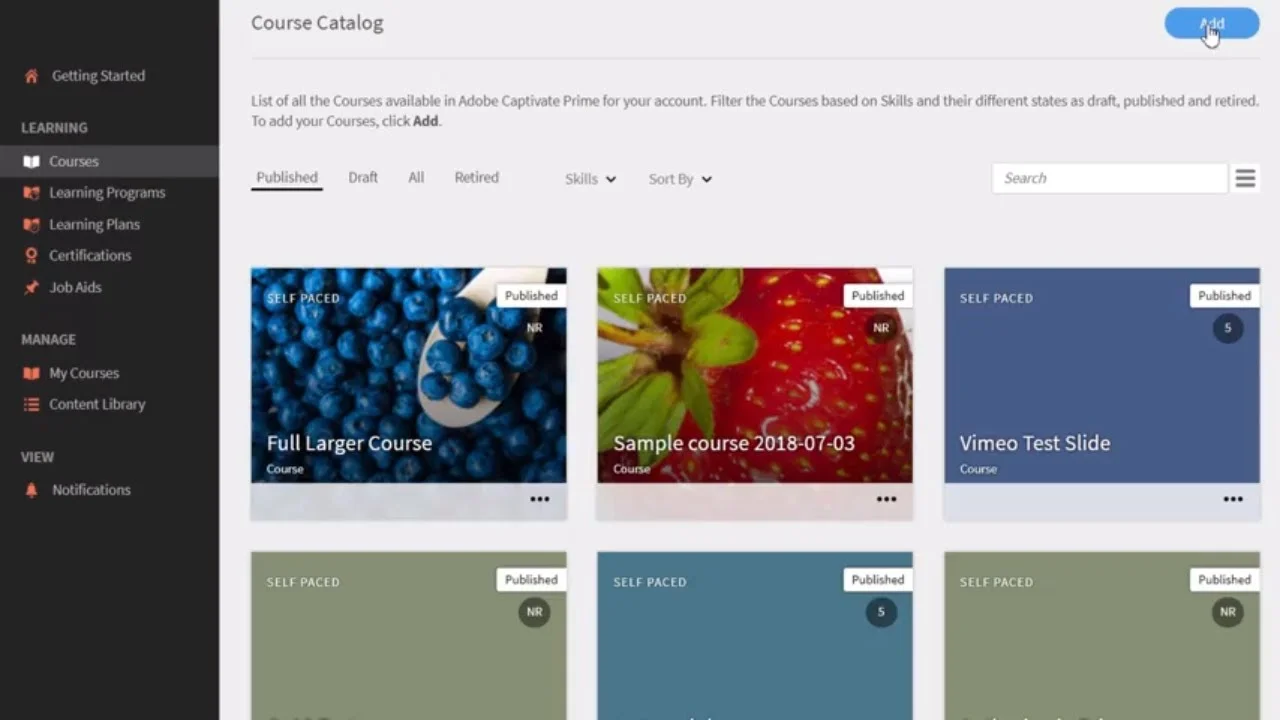
In this quick video, I show you how to change a course cover image in Adobe Captivate Prime when the course is already published.
In this quick video, I show you how to change a course cover image in Adobe Captivate Prime when the course is already published.
Panel Undocking
In this video tutorial, I show you how to undock your panels in Adobe Captivate 2019 release.
In this video tutorial, I show you how to undock your panels in Adobe Captivate 2019 release.

Adobe Captivate - Partial Points & Penalties
In this video tutorial, I show you how you can apply partial points as well as penalties for individual answers in your multiple response multiple choice questions…
In this video tutorial, I show you how you can apply partial points as well as penalties for individual answers in your multiple response multiple choice questions.