

Countdown Timer using Advanced Actions in Adobe Captivate
In this video tutorial, I show you one way you can build a countdown timer. In this example, I use two user variables and two system variables. I also make use of a two decision advanced conditional action, including use of the While action. Patreon supporters get to download the project file for free.
In this video tutorial, I show you one way you can build a countdown timer. In this example, I use two user variables and two system variables. I also make use of a two decision advanced conditional action, including use of the While action. Patreon supporters get to download the project file for free.

Certified Online Training Professional
This year I've decided to not work on my eLearning design and development skills but rather my skills as an online training professional. My main business is designing and developing eLearning, but I'm still a professional facilitator. Like most of us, I got my start in the classroom. Since my clients are located all over the globe, online training makes sense for both my clients and me.
Imagine if you only had the knowledge and skill levels that you contained immediately after college or university? I dare say you would be professionally out of date. As learning and development professionals, we often expound the benefits of continuous improvement, but we seldom take this advice ourselves. About once per year, I put aside time to "sharpen my saw" as Stephen Covey would put it in his highly successful book The 7 Habits of Highly Effective People.
This year I've decided to not work on my eLearning design and development skills but rather my skills as an online training professional. My main business is designing and developing eLearning, but I'm still a professional facilitator. Like most of us, I got my start in the classroom. Since my clients are located all over the globe, online training makes sense for both my clients and me.
Classroom and online facilitation are two very different things. I've learned first hand that many of the visual cues you get standing in front of a class of students often don't exist in an online setting. For example, in a classroom, it's easy for a skilled facilitator to pick up on facial reactions when the students require further clarification. Also, different facial reactions can let you know when students experience the "ah-ha" moments. In a classroom, a skilled facilitator can use these cues to transition to the next topic, reinforce key points, or ask students to share their thoughts. In an online setting, learners don't always share their webcam with you. You can't see how engaged they are or see those aforementioned facial reactions to what you are teaching. Not having this and other advantages of the classroom are something that I've found challenging about online facilitation.
I've selected to become certified by the International Council for Certified Online Training Professionals or (ICCOTP). Their Certified Online Training Professional Certificate gets me a certificate, a badge to display on my website, and my name added to the listing of council members. All of these items are great, but honestly, my biggest motivation to complete this certification is to improve my skills as an online trainer. While I think my training sessions and webinars are good right now, I think they could be better. I like the fact that upon completion of the certification, the assessment will be a live proficiency exam where I present a 10-minute lesson delivered in an online format. I will have to apply the skills learned during the training to be successful, rather than simply answering a series of multiple-choice questions.
I'm scheduled to begin the two-day online course starting August 21st, 2019. In part two of this article, I will share my key takeaways from this course as well as my recommendation as well.

Troubleshoot Fluid Box Design in Adobe Captivate | Aug 19, 12:00 PM EDT | 16:00 UTC
Recently I had to take an older Adobe Captivate 9 non-responsive project and convert it to a fluid box responsive design project using Adobe Captivate 2019. I really learned some valuable lessons during that process, and I want to share those with all of you. I'm happy to say that the results were excellent. Rather than using my own design, I used the new Ready-to-go Projects and Slides from Adobe. It didn't take me long to do this work. In this live stream, I will be sharing my process for getting fluid box responsive design to work across as many different device sizes as possible. Make sure you join live if you have questions you wish to ask me about this often misunderstood process.
If you are interested in learning more about that process of using the Ready-to-go projects and slides, I'm giving a presentation at the Adobe Learning Summit in Las Vegas on October 3, 2019. It's a free conference, but you must register to attend. Check it out: https://learningsummit.elearning.adobeevents.com/

Panel Undocking Tips in Adobe Captivate
I decided to do this video tutorial in order to answer a viewer question about her difficulty in redocking her timeline. I thought this might be a problem for other users as well. While I have other tutorials on panel undocking, I thought there might be a need for an up to date tutorial with some additional hints and tips.
I decided to do this video tutorial in order to answer a viewer question about her difficulty in redocking her timeline. I thought this might be a problem for other users as well. While I have other tutorials on panel undocking, I thought there might be a need for an up to date tutorial with some additional hints and tips.

Upgrading My XPS 15
Obviously, a very different video than perhaps what my channel is used to. In this video, I provide an overview of the upgrade I performed on my Dell XPS 15 9750.
Obviously, a very different video than perhaps what my channel is used to. In this video, I provide an overview of the upgrade I performed on my Dell XPS 15 9750. Here is a summary of the improvements made to this machine:
Upgraded RAM from 16 GB DDR4 to 32 GB - https://amzn.to/2SGwBMa
Upgraded SSD from 512 GB to 1 TB - https://amzn.to/2JX6D4w
Replaced Wi-Fi card with improved card - https://amzn.to/2YjIwRv
Thermal Paste - https://amzn.to/2Ykdwkk
Thermal Pad - https://amzn.to/32TfP17
Dave 2D's Repasting and Undervolting - https://youtu.be/QBNP5I2y668
Sara Dietschy's Upgrade - https://youtu.be/wmjeZp6HFoQ
Tom the Tech Guy's Upgrade - https://youtu.be/uXxXa_beXc4

Sizing Your Images for eLearning Using Photoshop (From My Latest Livestream)
In this video tutorial, I show you how I resize my images to be appropriate for my eLearning projects.
In this video tutorial, I show you how I resize my images to be appropriate for my eLearning projects.

Photoshop Patch Tool (From My Latest Livestream)
In this tutorial, I show you how you can remove objects from an image using the Photoshop Patch Tool.
In this tutorial, I show you how you can remove objects from an image using the Photoshop Patch Tool (taken from my latest eLearning Livestream).

Adobe Captivate Fluid Box Secrets | July 22th 12:00 PM EDT | 16:00 UTC
Experienced eLearning designers will tell you that responsive design only represents 5% or less of the eLearning designed today, and because of that, you shouldn’t necessarily embrace it. I predict that this is going to shift the other way within the next five years. If you don’t have this skill, you may no longer be competitive within this industry. You need to master these skills I will be sharing with you in this livestream.
Experienced eLearning designers will tell you that responsive design only represents 5% or less of the eLearning designed today, and because of that, you shouldn’t necessarily embrace it. I predict that this is going to shift the other way within the next five years. If you don’t have this skill, you may no longer be competitive within this industry. You need to master these skills I will be sharing with you in this livestream.
Follow the link to set a reminder on YouTube or join live on Monday, July 22nd at noon EDT | 16:00 UTC
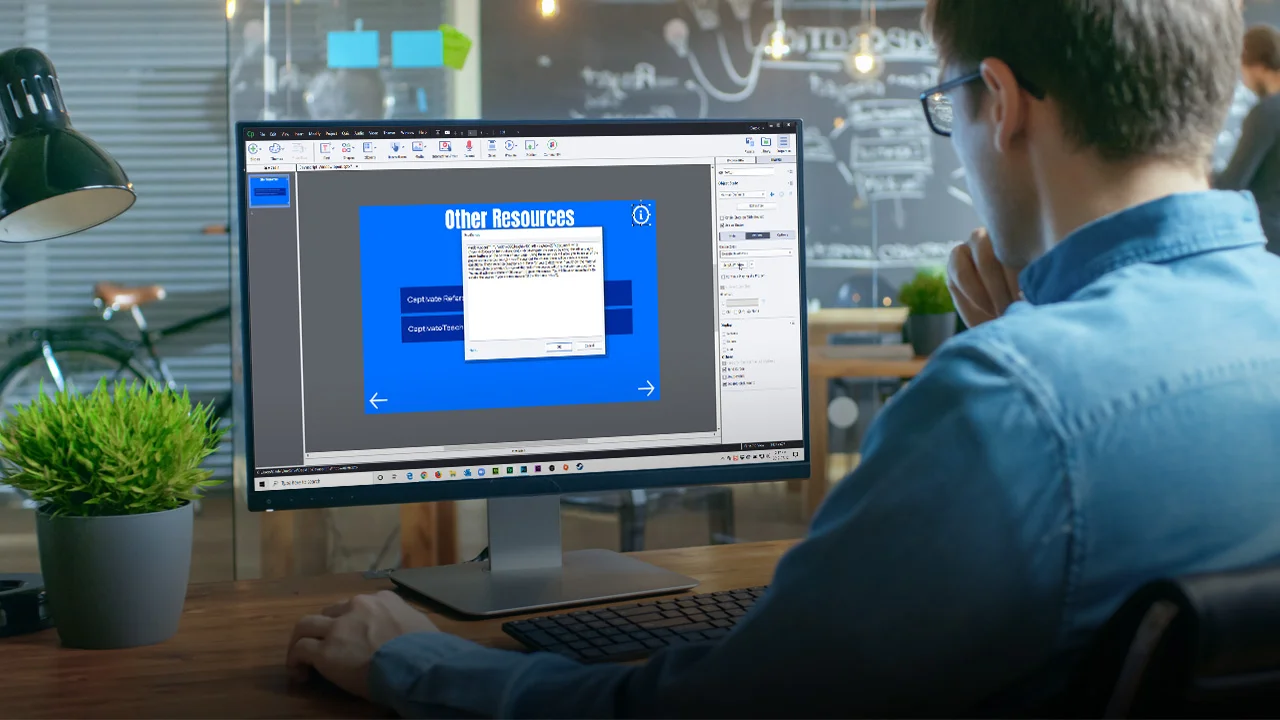
Awesome JavaScript Popups in Your Captivate Project
In this video tutorial, I show you a solution to a question from the Adobe forums. The user wants to open a link to a web URL in a new window but doesn't want all the gobbledygook that comes with a modern browser
In this video tutorial, I show you a solution to a question from the Adobe forums. The user wants to open a link to a web URL in a new window but doesn't want all the gobbledygook that comes with a modern browser (no tabs, no menus, no bookmark bars, etc.). I did some research and learned a little about the window.open() command in JavaScript. It works well. I managed to get it to work for a couple of scenarios in this training. Here is the URL of the website where I learned about the Window.open JavaScript command.
Here is the link that explains how to use this command https://www.w3schools.com/jsref/met_win_open.asp

Drag and Drop in Your Adobe Captivate Software Simulations
Here is my solution when you wish to have your learners perform the full motion drag and drop themselves.
By default, Adobe Captivate Software Simulation converts your drag and drop actions into full motion recordings (FMR), which is excellent if you are creating a "Watch Me" Demo, but what happens when you want to create a fully interactive "Try Me" Training? Here is my solution when you wish to have your learners perform the full motion drag and drop themselves.